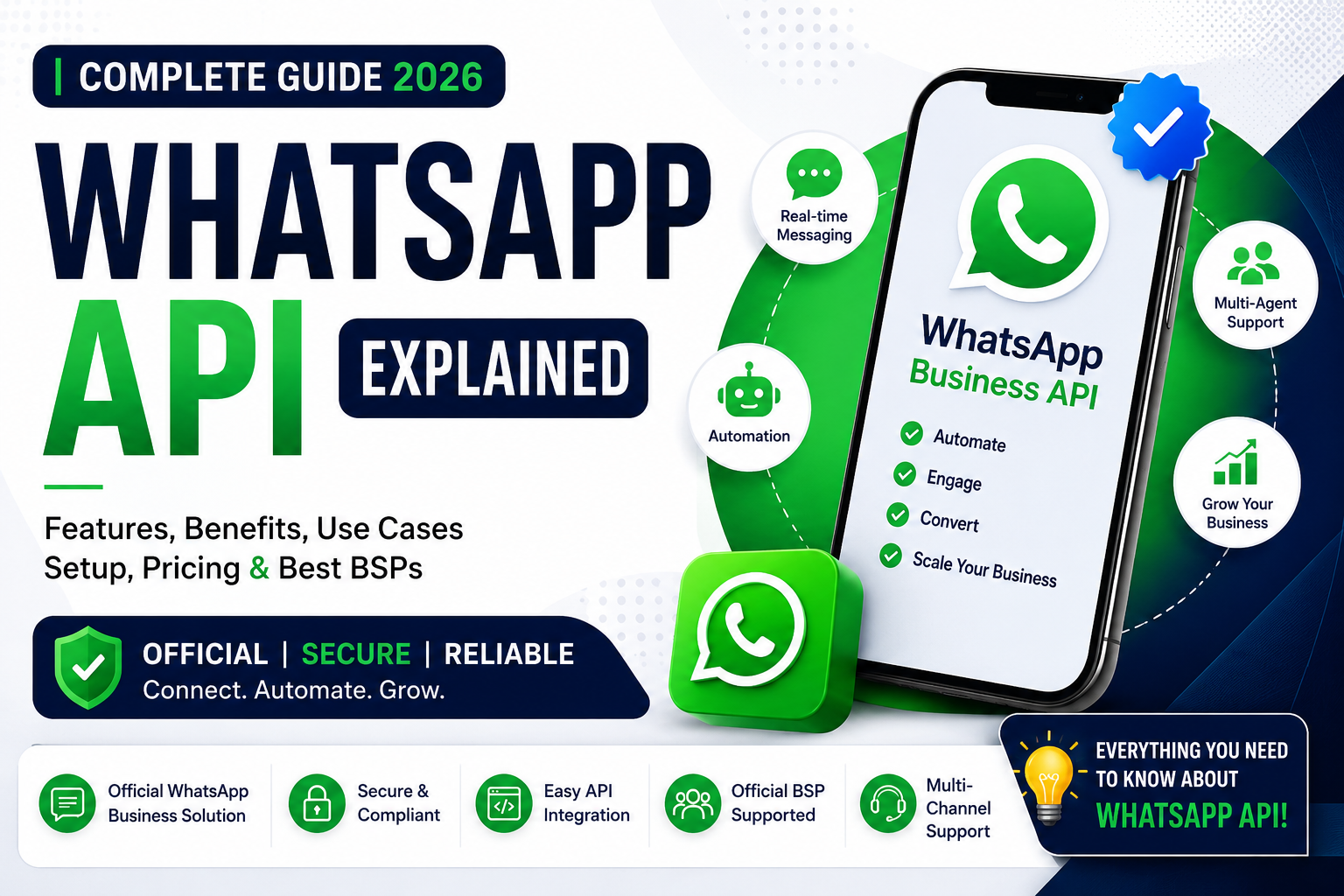
WhatsApp Cloud API: Features, Benefits, Setup & Business Guide 2026
WhatsApp has become one of the most popular communication platforms for businesses around the world. Companies use WhatsApp to communicate with customers, provide support, send notifications, confirm orders, generate leads, and build stronger customer relationships.
For businesses that want to move beyond normal WhatsApp messaging and build automated communication systems, WhatsApp Cloud API provides a powerful solution.
WhatsApp Cloud API allows businesses and developers to connect WhatsApp messaging with websites, CRM systems, customer-support platforms, e-commerce stores, and custom software. It can help businesses manage customer communication at scale while creating automated and personalized experiences.
In this guide, we will explain what WhatsApp Cloud API is, how it works, its key features, benefits, business use cases, setup requirements, and important considerations for 2026.
What Is WhatsApp Cloud API?
WhatsApp Cloud API is Meta's cloud-hosted solution that allows businesses to integrate WhatsApp messaging into their applications and business systems.
Unlike a normal WhatsApp account, an API-based setup is designed for business communication and software integration.
With an appropriate WhatsApp Business Platform setup, businesses can use APIs to:
- Send approved business messages
- Receive customer messages
- Automate conversations
- Send notifications
- Provide customer support
- Generate leads
- Integrate WhatsApp with websites and applications
- Connect WhatsApp with CRM systems
- Build chatbots and automated workflows
Because the API is cloud-based, businesses do not need to operate their own WhatsApp API server infrastructure.
Why Is WhatsApp Cloud API Important for Businesses?
Customers increasingly expect businesses to respond quickly and communicate through channels they already use.
WhatsApp can provide a direct communication channel between businesses and customers.
For example, an online store can use WhatsApp to communicate order updates, while a service company can use it for appointment notifications and customer support.
WhatsApp Cloud API can help businesses create a more organized and scalable messaging workflow.
Key Features of WhatsApp Cloud API
1. Business Messaging
Businesses can communicate with customers through WhatsApp using an API-connected system.
This can be useful for customer support, notifications, transactional communication, and other approved business use cases.
2. Message Templates
Businesses can use message templates for specific types of proactive communication.
Templates can be useful for:
- Order confirmations
- Shipping updates
- Appointment reminders
- Payment notifications
- Customer notifications
- Service updates
Templates must comply with applicable WhatsApp requirements and policies.
3. Automated Replies
Businesses can connect the API to software that automatically responds to incoming customer messages.
For example, a business could create automated responses for:
- Product information
- Business hours
- Pricing questions
- Order status
- Frequently asked questions
- Customer support requests
4. Webhooks
Webhooks allow connected systems to receive information about WhatsApp events and incoming messages.
This makes it possible to build real-time workflows between WhatsApp and other software.
5. CRM Integration
Businesses can connect WhatsApp communication with CRM systems.
This can help sales and support teams organize customer conversations and maintain relevant customer information.
6. E-Commerce Integration
Online stores can integrate WhatsApp into their customer communication workflow.
Possible uses include:
- Order notifications
- Delivery updates
- Customer questions
- Product inquiries
- Support requests
- Lead follow-ups
7. Multi-User Business Communication
With an appropriate business solution, multiple employees or support agents can work within a structured customer communication system.
This is particularly useful for businesses with dedicated sales or support teams.
Benefits of WhatsApp Cloud API
Improve Customer Communication
WhatsApp provides businesses with a direct channel for communicating with customers.
Businesses can use automated and manual communication depending on their workflow.
Save Time Through Automation
Automating repetitive messages can reduce the amount of manual work required by sales and support teams.
For example, an automated system can send order updates without requiring an employee to manually send every message.
Faster Customer Support
Customers can receive quick responses to common questions through automated workflows.
More complex requests can then be transferred to a human support agent.
Increase Lead Management Efficiency
Businesses can connect WhatsApp with lead-generation systems and organize customer inquiries more efficiently.
Improve Customer Experience
Personalized and timely communication can create a better customer experience when used responsibly and according to applicable messaging policies.
Integrate With Existing Software
One of the biggest advantages of an API is the ability to connect WhatsApp with existing business systems.
A business can potentially integrate WhatsApp with:
- CRM software
- E-commerce platforms
- Helpdesk systems
- Websites
- Mobile applications
- Marketing automation platforms
- Custom business software
WhatsApp Cloud API Use Cases
WhatsApp Cloud API can be useful across many industries.
E-Commerce
Online stores can use WhatsApp for order-related communication, customer support, product inquiries, and notifications.
Restaurants
Restaurants can use WhatsApp for customer inquiries, reservation-related communication, delivery updates, and support.
Education
Educational organizations can use WhatsApp for reminders, announcements, inquiries, and student communication.
Healthcare
Where permitted and appropriately configured, organizations can use WhatsApp for appointment-related communication and customer support.
Businesses should carefully consider privacy, regulatory, and platform requirements when handling sensitive information.
Travel & Hospitality
Hotels and travel companies can use WhatsApp to communicate with customers regarding bookings, reminders, updates, and support.
Financial Services
Eligible businesses can use approved WhatsApp communication workflows for customer notifications and support, subject to applicable laws, regulations, and platform policies.
How Does WhatsApp Cloud API Work?
A basic WhatsApp Cloud API workflow can look like this:
Customer → WhatsApp → Business API → Business Software → Automated or Human Response
For example:
- A customer sends a WhatsApp message.
- The message reaches the business's WhatsApp Business Platform setup.
- The API sends the relevant event to the connected software.
- The software processes the request.
- An automated response or agent response is sent back to the customer.
This allows WhatsApp communication to become part of a broader business workflow.
WhatsApp Cloud API Setup
Setting up WhatsApp Cloud API requires appropriate Meta business and technical configuration.
A typical setup may involve:
Step 1: Create a Meta Business Account
A business generally needs an appropriate Meta business environment.
Step 2: Set Up WhatsApp Business Platform
The business needs to configure the appropriate WhatsApp business assets.
Step 3: Add a Business Phone Number
A suitable phone number can be configured for the WhatsApp Business Platform.
Step 4: Configure API Access
Developers can configure the necessary API credentials and permissions according to Meta's current requirements.
Step 5: Configure Webhooks
Webhooks can be configured so that the business application can receive incoming messages and relevant events.
Step 6: Create Message Templates
For applicable business-initiated messaging, businesses may need approved templates.
Step 7: Test the Integration
Before going live, businesses should test sending and receiving messages and confirm that their automation works correctly.
WhatsApp Cloud API and Verification
Verification and business authentication are separate considerations from simply having API access.
Depending on the business, region, product, and Meta requirements, businesses may encounter different verification processes or limits.
Businesses should always use accurate legal and business information when completing Meta-related processes.
A third-party provider should not claim that it can guarantee Meta approval or bypass Meta's verification requirements.
WhatsApp API Messaging Limits
WhatsApp Business Platform messaging capabilities can be subject to different limits, quality requirements, conversation rules, template requirements, and other platform conditions.
These requirements can change over time.
Therefore, businesses should check the current Meta documentation and their own WhatsApp Business Platform account before making decisions based on specific messaging limits.
WhatsApp Cloud API vs. WhatsApp Business App
The WhatsApp Business App is designed primarily for businesses that need a simpler messaging solution.
WhatsApp Cloud API is designed for businesses that need deeper software integration and automation.
WhatsApp Business App
Best suited for:
- Small businesses
- Manual customer conversations
- Basic business profiles
- Simple messaging
WhatsApp Cloud API
Best suited for:
- Growing businesses
- E-commerce companies
- Customer-support teams
- Automation
- CRM integration
- Custom software
- Large-scale business communication
The right option depends on the business's requirements and technical resources.
Is WhatsApp Cloud API Free?
Businesses should distinguish between API access and the costs associated with sending business messages.
Pricing and messaging charges can depend on Meta's current WhatsApp Business Platform pricing model, message category, destination, and other applicable factors.
Additional costs may also come from:
- Software providers
- CRM systems
- Automation platforms
- Chatbot platforms
- Development services
- Customer-support tools
Because pricing models can change, businesses should review the latest official Meta pricing information before purchasing a service.
How to Choose a WhatsApp API Service Provider
If you need help setting up or managing WhatsApp API, choosing the right provider is important.
Check Transparency
The provider should clearly explain what is included in the service.
Avoid Unrealistic Guarantees
Be careful with claims such as guaranteed verification, unlimited messaging, or guaranteed account approval.
Protect Your Account
Never provide unnecessary passwords, OTP codes, or sensitive security information to unknown providers.
Check Technical Support
A good provider should be able to explain the integration process and help troubleshoot technical problems.
Understand the Pricing
Ask whether Meta messaging costs, software fees, setup fees, and support fees are separate.
WhatsApp Cloud API Security Best Practices
Security should be a major priority when using an API.
Businesses should:
- Protect API credentials
- Limit access to authorized team members
- Use secure server environments
- Monitor account activity
- Remove unnecessary users
- Avoid sharing access tokens publicly
- Follow Meta's security requirements
- Keep business information accurate
API credentials should never be published in public websites, social media posts, or unsecured code repositories.
Common WhatsApp API Problems
Businesses may encounter different problems while setting up or operating WhatsApp Cloud API.
Common issues include:
- Business verification problems
- Phone number configuration issues
- Template rejection
- API authentication errors
- Webhook configuration problems
- Messaging restrictions
- Quality-related limitations
- Incorrect permissions
- Billing problems
- Integration errors
The correct solution depends on the specific account, configuration, and error message.
Does WhatsApp API Guarantee More Sales?
No.
WhatsApp Cloud API is a communication and integration technology. It does not automatically guarantee more sales, leads, or conversions.
Business results depend on factors such as:
- Product quality
- Pricing
- Customer service
- Marketing strategy
- Audience targeting
- Message quality
- Response speed
- Automation
- Website experience
- Customer demand
The API provides infrastructure that businesses can use to create better communication workflows.
Frequently Asked Questions
What is WhatsApp Cloud API?
WhatsApp Cloud API is Meta's cloud-based solution for integrating WhatsApp business messaging with software, websites, CRM systems, and automated workflows.
Can I connect WhatsApp API to my website?
Yes. Developers can integrate WhatsApp Business Platform functionality with websites and other applications using appropriate APIs and technical configurations.
Can WhatsApp Cloud API send automated messages?
Yes, businesses can create approved automation and messaging workflows subject to Meta's applicable policies and requirements.
Can I use WhatsApp API for customer support?
Yes. WhatsApp can be integrated into customer-support systems, allowing businesses to manage customer conversations and automate appropriate responses.
Is WhatsApp Cloud API suitable for e-commerce?
Yes. E-commerce businesses can use WhatsApp for customer inquiries, order communication, notifications, support, and other approved use cases.
Can I use any phone number?
Phone-number eligibility and registration requirements depend on the WhatsApp Business Platform setup and Meta's current rules. Businesses should check the latest requirements before registration.
Can a service provider guarantee WhatsApp API approval?
No legitimate provider can guarantee Meta's final approval decision or bypass Meta's requirements.
Final Thoughts
WhatsApp Cloud API provides businesses with a powerful way to connect WhatsApp messaging with websites, CRM platforms, e-commerce systems, customer-support tools, and custom applications.
For businesses that need automation, notifications, customer support, lead management, and scalable communication, WhatsApp Cloud API can become an important part of their digital communication strategy.
However, successful WhatsApp API usage requires more than simply obtaining API access. Businesses should focus on accurate business information, secure API management, high-quality customer communication, appropriate automation, and compliance with Meta's current policies.
As WhatsApp Business Platform features, pricing, limits, and requirements can change, businesses should always review the latest official information before implementing or purchasing an API solution.
A properly configured WhatsApp Cloud API setup can provide a strong foundation for automated, scalable, and professional customer communication in 2026.