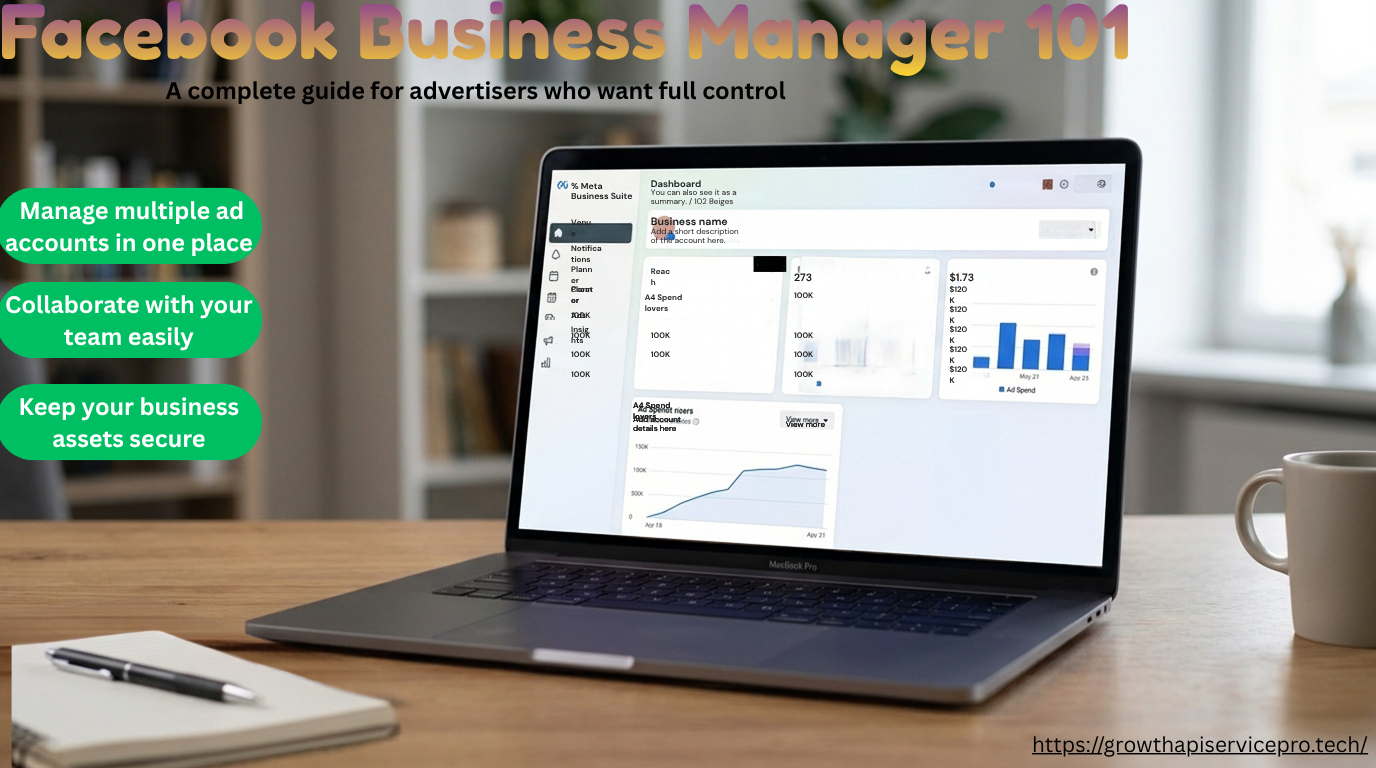
What Is a Facebook Business Manager and Why Advertisers Need One
When you first begin using Meta ads, it can be confusing to see how your personal Facebook profile, your business page, and your ad management all connect. Many newcomers are drawn to the "Boost Post" button on their page, thinking it's an easy way to advertise. However, they often find out later that they miss important tools for tracking and improving their ads. This is why using a business manager is essential.
Understanding the concept of Facebook Business Manager is crucial for successfully managing advertising campaigns that can grow and make money. Think of it as the main hub for all your advertising activities on Meta. Without using this tool, you risk losing important information and exposing your business to security threats. Many people start advertising without realizing how essential it is to have a structured system in place. This lack of organization can lead to confusion and missed opportunities. By using Facebook Business Manager, you can keep everything organized, ensuring that your advertising efforts are effective and secure. It helps you track your ads, manage your accounts, and protect your data, making it easier to achieve your advertising goals.
In this guide, we will break down the absolute business manager basics. You will learn exactly what this tool is, why serious advertisers never run ads without one, and how to structure your assets for maximum security and growth.
Table of Contents
- What Exactly Is a Facebook Business Manager?
- Why the "Boost Post" Button Isn't Enough
- Top 4 Reasons Why Every Advertiser Needs a Business Manager
- Understanding the Core Assets Inside Your BM
- How to Choose Your First Business Manager
- Frequently Asked Questions (FAQ)
What Exactly is a Facebook Business Manager?
A Facebook Business Manager called BM is a free tool from Meta that helps advertisers keep all their marketing activities organized in one safe place.
Imagine it as a virtual office where you have separate rooms for your Facebook Pages, Ad Accounts, Instagram profiles, and data sources like the Meta Pixel. Instead of linking these important business tools to your personal Facebook profile, “which can be risky," the business manager serves as a protective umbrella that keeps everything secure.
If you use a Business Manager, you don't need to be Facebook friends with your colleagues or clients to give them access to run ads or manage a Page.
Why the "Boost Post" Button Isn't Enough
Many business owners mistakenly believe that clicking "Boost Post" on their Facebook page is the same as running real Facebook ads. It is not.
When you boost a post, you are using a simplified, stripped-down version of Meta's advertising system. You have very limited targeting options, you cannot run A/B tests on different creatives, and most importantly, your tracking capabilities are severely restricted.
A proper Facebook BM setup gives you access to the Ads Manager. This is the professional dashboard where you can build complex campaigns, utilize custom audiences, and track exactly how much revenue each specific ad is generating. If your goal is a positive Return on Ad Spend (ROAS), moving away from boosted posts is mandatory.
Top 4 Reasons Why Every Advertiser Needs a Business Manager
If you are still wondering why you should make the switch, here are the most critical reasons why utilizing an FB business manager for ads is essential for your advertising infrastructure.
1. Centralized Asset Management and Security
Without a BM, if the personal Facebook account of the person who created your ad account gets hacked or restricted, you lose everything. A business manager prevents this by allowing you to assign multiple "admins." If one admin faces a personal profile restriction, the other admins can still access the Business Manager, ensuring your business keeps running without interruption.
2. Advanced Data Tracking (The Meta Pixel)
To run profitable ads, you need data. The Meta Pixel (now part of the Conversions API) is a piece of code you put on your website to track purchases and leads. You need a business manager to create, manage, and share pixels across different ad accounts. Without a BM, your ability to retarget website visitors is severely limited.
3. Safer Agency and Employee Collaboration
If you hire an agency or an employee to run your ads, you should never give them your personal login details. With a business manager, you can grant them specific access levels. For example, you can give an employee "Analyst" access just to view reports or give an agency "Partner" access to run campaigns on your behalf, while you retain ultimate ownership.
4. Preparation for Scaling and Account Verification
As you spend more money on ads, Meta will eventually require you to verify your business identity to unlock higher daily spend limits. This verification process can only be done within a business manager setting.
Understanding the Core Assets Inside Your BM
When you first open your Business Manager, it can look overwhelming. However, you only need to understand a few core assets to get started
- Pages: Your public-facing Facebook and Instagram profiles.
- Ad Accounts: Where your credit card is billed and where your campaigns actually live. A single BM can hold multiple ad accounts.
- Data Sources (Datasets/Pixels): The tracking tools that connect your website's data back to Meta so the algorithm can optimize your campaigns.
- People: The actual human beings (like yourself or your employees) who have been given permission to work inside the business.
How to Choose Your First Business Manager
Creating a brand new business manager from scratch is free, but it comes with limitations. New BMs are often restricted to a very low daily ad spend limit (usually $50/day) and are highly prone to sudden, automated algorithmic bans while Meta tries to determine if you are a legitimate business.
For many new advertisers, having their first campaign paused due to a random restriction is incredibly frustrating. If you want to bypass this initial sandbox phase and start with a stable foundation, many advertisers choose to acquire an aged, pre-warmed account.
If you want a reliable start without the constant fear of early-stage restrictions, you can buy verified BM1—Trusted Facebook Business Manager. This entry-level option provides a secure, trusted environment for your new campaigns, allowing you to focus on ad performance rather than platform troubleshooting.
Frequently Asked Questions (FAQ)
Is Facebook Business Manager free to use? Yes, the Business Manager platform itself is completely free to create and use. You only pay for the actual ads you run inside your ad accounts.
Do I need a personal Facebook account to use Business Manager? Yes. You must have an existing personal Facebook profile to create or log into a Business Manager. The platform uses your personal profile to verify your identity.
Can I run ads without a business manager? Technically, you can run simple boosted posts directly from a page. However, to use the professional Ads Manager, utilize custom audiences, and track website conversions, a business manager is required.
What is the difference between Ads Manager and Business Manager? The business manager is the "building" that houses all your assets (pages, pixels, and billing info). The Ads Manager is a specific "room" inside that building where you actually build, launch, and monitor your ad campaigns.
Final Thoughts on Setting Up Your Ad Infrastructure
Moving away from simple boosted posts and centralizing your assets provides the security, data tracking, and structural foundation needed to run profitable campaigns. Don't wait until you lose access to an ad account to realize you need a better setup. Establish your infrastructure properly from day one. If you want a smooth, secure start without dealing with Meta's strict new-account restrictions, consider securing a trusted entry-level BM1 from Growth Api Service to safeguard your early advertising efforts.