Unverified Facebook BM 2026: Benefits, Features & Why Marketers Use It
In 2026, Facebook advertising continues to be an important channel for businesses, agencies, and digital marketers. To manage Pages, ad accounts, pixels, catalogs, and other business assets, marketers commonly use Meta Business Manager.
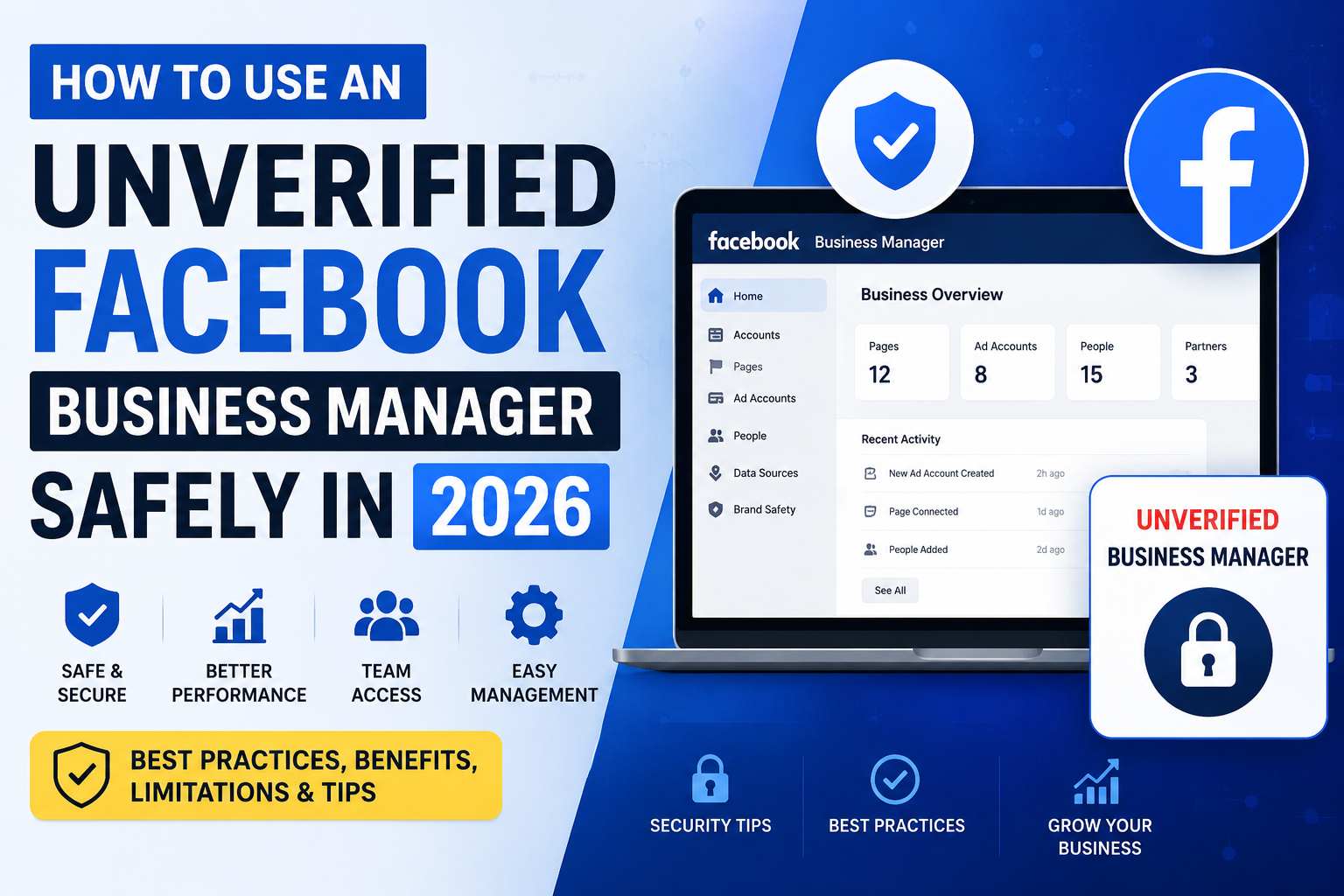
One term frequently discussed in the digital marketing industry is Unverified Facebook Business Manager (Unverified BM). But what exactly does it mean, what can it be used for, and what should marketers consider before using one?
This guide explains the key features, potential benefits, limitations, and practical considerations surrounding Unverified Facebook BM in 2026.
What Is an Unverified Facebook BM?
A Facebook Business Manager, now part of Meta's business tools, allows businesses to organize and manage their advertising and business assets from one place.
An Unverified BM generally refers to a Business Manager that has not completed Meta's business verification process. The available features and limits can vary depending on the account, region, account history, and Meta's current policies.
Being unverified does not automatically mean that a Business Manager is unsafe or unusable. However, marketers should understand that access to certain features or higher limits may require additional verification or compliance with Meta's requirements.
Key Features of an Unverified Facebook BM
Depending on the account's eligibility and Meta's policies, an Unverified BM may provide access to several useful business-management functions.
1. Business Asset Management
A Business Manager can help organize assets such as:
- Facebook Pages
- Ad Accounts
- Instagram professional accounts
- Meta Pixels
- Catalogs
- Audiences
- Domains
- Business partners
This makes it easier for marketers to manage multiple assets from a centralized business environment.
2. Team & Partner Access
Businesses and agencies can use Meta's business-management system to assign different levels of access to employees, freelancers, agencies, or business partners.
Instead of sharing login credentials, users can receive appropriate permissions for the assets they need to work with.
3. Advertising Management
Where eligible, marketers can connect advertising assets to a Business Manager and manage campaigns through Meta Ads Manager.
However, advertising access and spending capabilities are determined by Meta and can depend on factors such as account history, policy compliance, payment activity, and risk systems.
4. Pixel and Conversion Tools
For websites and e-commerce businesses, Meta's tracking and conversion tools can help marketers understand customer actions and measure advertising performance.
Depending on eligibility, businesses may manage Pixels and related assets through Business Manager.
5. Business Organization
For agencies or marketers handling multiple projects, Business Manager can provide a structured way to separate and organize business assets.
This can be particularly useful when different Pages, ad accounts, or clients need to be managed independently.
Why Do Marketers Use Unverified BM?
There are several reasons marketers may consider using an Unverified BM.
Easier Initial Setup
For some businesses, an Unverified BM can be used before completing the business verification process, provided Meta allows the relevant features.
This can be useful when a business is beginning its advertising operations and does not yet require features that depend on verification.
Asset Management
Marketers can use Business Manager as a central location for organizing business assets instead of managing everything through a personal Facebook profile.
Agency Workflows
Digital marketing agencies may use Meta's business-management tools to manage Pages, ad accounts, and client assets while assigning appropriate access to team members.
Flexible Business Operations
Depending on eligibility, a Business Manager can help marketers structure their advertising operations and keep business assets organized.
Unverified BM vs Verified BM
The biggest difference is whether the business has completed Meta's business verification requirements.
| Feature Unverified BM Verified BM | ||
| Business Manager access | May be available | Available |
| Asset management | Depends on eligibility | Generally broader |
| Business verification | Not completed | Completed |
| Higher-level business features | May be restricted | May be available |
| Trust/compliance signals | More limited | Stronger business verification |
| Additional verification requests | Possible | Still possible |
It is important to understand that verification does not guarantee unlimited advertising access or immunity from restrictions. Meta can still restrict accounts, Pages, or advertising assets when its policies or risk systems are triggered.
Important Limitations
Before using an Unverified BM, marketers should consider several limitations.
1. Feature Availability Can Change
Meta regularly changes its products, eligibility requirements, and advertising policies. A feature available today may require additional verification later.
2. Advertising Restrictions Are Still Possible
An Unverified BM does not guarantee that advertisements will be approved. Ads and business assets remain subject to Meta's advertising and commerce policies.
3. Spending Limits Can Vary
Ad spending limits are not determined solely by whether a BM is verified or unverified. They can depend on account history, payment behavior, risk signals, and other factors.
4. Verification May Become Necessary
Some businesses may eventually need to complete business verification to access specific features, increase trust, or meet Meta's requirements.
Best Practices for Using Facebook BM in 2026
Whether a Business Manager is verified or unverified, following Meta's rules is important.
Use Accurate Business Information
Always use truthful and consistent business information when creating and managing business assets.
Follow Meta Advertising Policies
Avoid prohibited products, misleading claims, deceptive landing pages, copyright violations, and other policy violations.
Secure Your Account
Enable strong security measures, use unique passwords, and enable two-factor authentication where available.
Avoid Sharing Login Credentials
Use Meta's business permissions and roles instead of sharing personal Facebook account passwords.
Monitor Account Quality
Regularly check account status, Page quality, advertising restrictions, and notifications so that potential issues can be addressed quickly.
Should You Use an Unverified Facebook BM in 2026?
The answer depends on your business requirements.
An Unverified BM may be suitable for businesses or marketers that need basic business-asset management and are eligible to use the required features without verification.
However, businesses that need verification-dependent features, stronger business identification, or additional Meta business capabilities may benefit from completing the official verification process.
The safest approach is to build a legitimate business presence, provide accurate information, maintain good account history, and follow Meta's policies rather than relying on an account's verification status alone.
Final Thoughts
Unverified Facebook BM remains a topic of interest among digital marketers in 2026, particularly for businesses and agencies looking to organize Pages, advertising assets, and other Meta business resources.
However, an Unverified BM should not be viewed as a shortcut around Meta's policies, advertising restrictions, or verification requirements. Features, limits, and eligibility can vary from one Business Manager to another and may change over time.
For long-term business growth, marketers should focus on legitimate business information, secure account management, policy compliance, and sustainable advertising practices.
Frequently Asked Questions
Is an Unverified Facebook BM legal to use?
Using a Business Manager that has not completed business verification is not inherently prohibited. However, all activities must comply with Meta's applicable terms and policies.
Can an Unverified BM run Facebook Ads?
Depending on eligibility, an Unverified BM may be able to manage advertising assets and run ads. Actual advertising access is determined by Meta's systems and policies.
Does Verified BM guarantee unlimited spending?
No. Verification does not guarantee unlimited spending, permanent access, or immunity from advertising restrictions.
Can an Unverified BM become Verified?
Businesses that meet Meta's requirements may be able to complete the applicable business verification process.
Is Unverified BM better than Verified BM?
Neither is universally better. The appropriate option depends on your business requirements, eligibility, and the features you need.
Can Meta restrict an Unverified BM?
Yes. Business Managers and their associated assets can be restricted if Meta detects policy violations, suspicious activity, security problems, or other issues.