
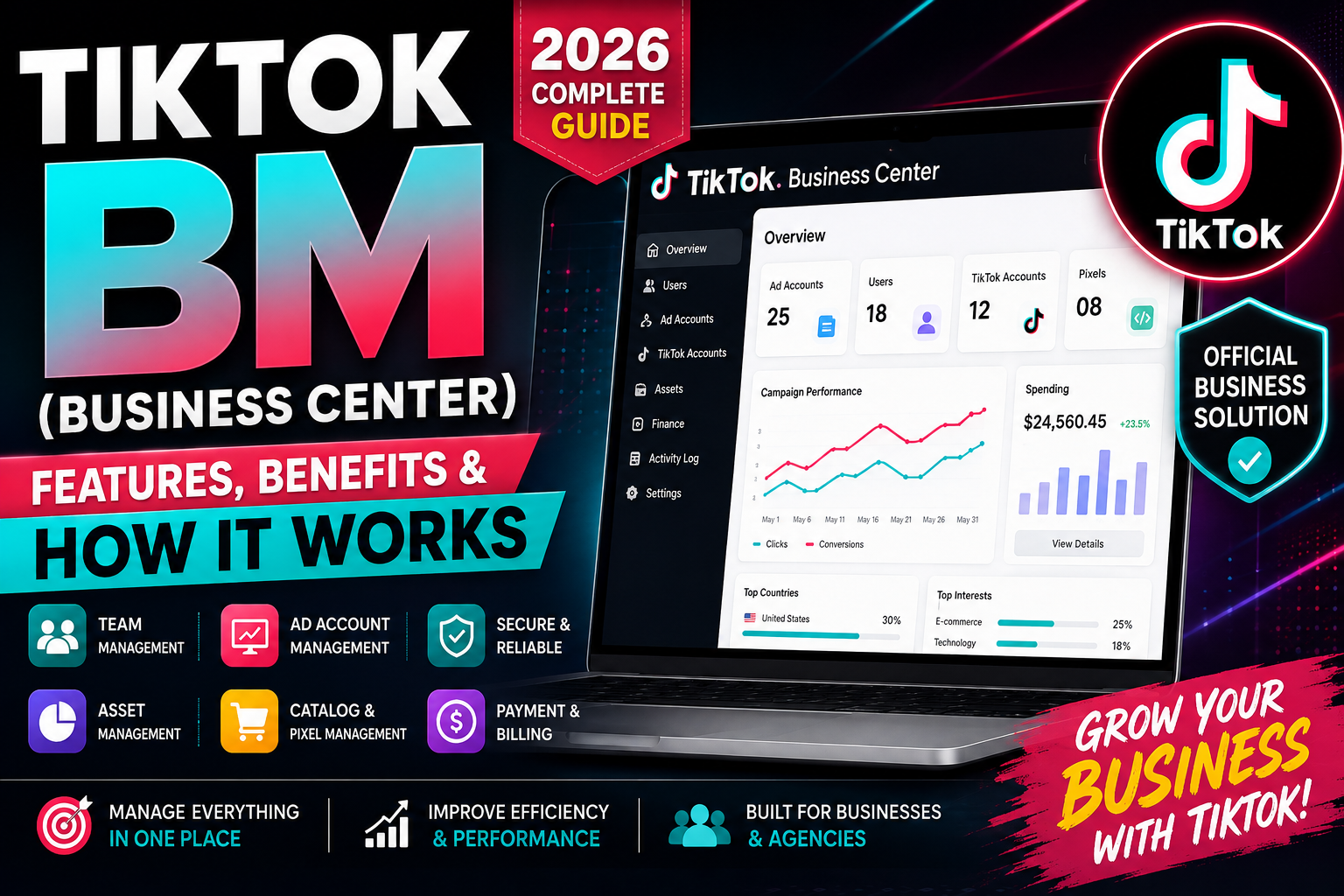
TikTok BM (Business Center): Features, Benefits & How It Works in 2026
TikTok has become an important platform for businesses, e-commerce brands, agencies, creators, and marketers looking to reach new audiences through short-form video advertising. As advertising operations become larger and more complex, businesses need an efficient way to organize accounts, users, advertising assets, payments, and campaign data.
This is where TikTok Business Center, commonly referred to as TikTok BM, comes in.
TikTok Business Center is a centralized workspace designed to help businesses and agencies manage their TikTok advertising activities, accounts, assets, permissions, and collaboration in one place. According to TikTok, Business Center is built around collaboration, centralization, scalability, and accountability.
What Is TikTok BM?
TikTok BM usually refers to TikTok Business Center.
It is a business management platform that allows advertisers and agencies to organize multiple TikTok-related assets and control who can access them.
Instead of managing every advertising asset separately, businesses can use Business Center as a central workspace for managing their TikTok marketing operations.
Depending on the account and available features, Business Center can be used to manage:
- TikTok advertiser accounts
- TikTok accounts
- TikTok One accounts
- TikTok Shops
- Pixels
- Catalogs
- Audiences
- Leads
- Team members
- Business partners
- Payments and financial information
TikTok's current Business Center documentation confirms that these types of assets can be added and managed within the platform.
Why Is TikTok Business Center Important?
For a small advertiser running a single campaign, basic TikTok advertising tools may be enough. However, agencies, brands, and growing businesses often need to manage multiple users, accounts, and assets.
TikTok Business Center provides a centralized environment that can make these operations easier to organize.
1. Centralized Asset Management
Business Center allows businesses to bring important TikTok marketing assets into one management environment.
This can reduce the need to manage different assets separately and make it easier to organize advertising operations.
2. Team Collaboration
Businesses can invite team members and assign permissions based on their responsibilities.
For example, an administrator may have broad access while another team member may only be given access to specific accounts or assets.
TikTok currently provides Admin and Standard roles, with additional finance-related permissions available for appropriate users.
3. Partner Management
Agencies often work with clients, freelancers, designers, media buyers, and other partners.
Business Center can help businesses share access to selected assets without giving every person unrestricted access to everything.
4. Better Access Control
One of the important benefits of Business Center is permission management.
Businesses can monitor who has access to their advertising accounts and assets and adjust permissions when necessary. TikTok describes this as part of its accountability and security approach.
5. Scalability
As a business grows, advertising operations can become more complicated.
A centralized Business Center can make it easier to manage multiple advertising accounts, teams, and assets at scale.
TikTok BM Features
TikTok Business Center provides several features designed for advertisers and agencies.
User Management
Administrators can invite team members and assign appropriate roles.
TikTok currently identifies Admin and Standard as basic roles. Admins have broad access to Business Center functions, while Standard users can work with the accounts and assets assigned to them.
Ad Account Management
Businesses can connect advertiser accounts to Business Center and manage them from a centralized location.
TikTok's documentation also explains that advertisers can create an ad account during Business Center setup in applicable situations.
TikTok Account Management
Businesses can connect their TikTok accounts to Business Center and manage access alongside their other advertising assets.
Pixel Management
TikTok Pixels can be included among the assets managed through Business Center, helping businesses organize tracking-related resources.
Catalog Management
For e-commerce businesses, catalogs can be used to store product information such as product descriptions, prices, and images.
TikTok Business Center can also allow catalogs to be shared with members and partners and used across multiple ad accounts.
Audience Management
Businesses can manage relevant advertising audiences and share appropriate assets with team members or partners.
Finance Management
Business Center can centralize financial information across multiple advertising accounts, helping organizations manage billing and financial operations more efficiently.
How to Create a TikTok Business Center in 2026
Creating a TikTok Business Center starts with a TikTok for Business account.
TikTok's current setup instructions provide the following general process.
Step 1: Create or Log In to a TikTok for Business Account
Go to TikTok's Business Center platform and sign up or log in using your TikTok for Business account.
Step 2: Select Your Business Type
During setup, TikTok may ask whether you are an advertiser or an agency.
Choose the option that best represents your business.
Step 3: Enter Business Information
You may need to provide information such as:
- Company name
- Business Center name
- Country or region
- Time zone
- Currency
TikTok recommends making sure the information is accurate because some business information may not be easily changed after the Business Center is created.
Step 4: Create the Business Center
Review the information and complete the setup.
Step 5: Add Team Members
Once the Business Center is created, administrators can invite relevant employees, marketers, or partners.
Step 6: Add Advertising Assets
You can then connect or create applicable advertising assets, such as advertiser accounts and other TikTok business assets.
Step 7: Configure Security
TikTok recommends strengthening account security, including enabling two-step verification when available.
TikTok BM for Agencies
TikTok Business Center can be particularly useful for digital marketing agencies.
An agency may need to manage advertising activities for multiple clients while keeping permissions organized.
With Business Center, agencies can:
- Organize client advertising accounts
- Add team members
- Assign permissions
- Share assets with partners
- Manage multiple accounts
- Monitor advertising operations
- Centralize business information
- Control access to important assets
This centralized structure can make agency workflows more efficient.
TikTok BM for E-Commerce Businesses
E-commerce brands can also benefit from Business Center.
A growing online store may need to manage:
- Product catalogs
- TikTok accounts
- Advertising accounts
- Pixels
- Audiences
- Product promotions
- Multiple team members
Business Center provides a centralized place to organize many of these assets.
TikTok's catalog tools also allow businesses to manage product information and use catalogs across multiple advertising accounts where supported.
TikTok BM vs. TikTok Ads Manager
TikTok Business Center and TikTok Ads Manager serve different but complementary purposes.
TikTok Business Center focuses on business-level management, users, permissions, assets, collaboration, and centralized administration.
TikTok Ads Manager focuses more directly on creating, managing, and optimizing advertising campaigns.
A business may use both platforms together.
For example, Business Center can be used to organize users and advertising assets, while Ads Manager can be used to create and monitor campaigns.
Is TikTok BM the Same as a TikTok Ads Account?
No.
A TikTok Business Center is a management environment, while a TikTok advertiser account is an advertising asset used for running campaigns.
TikTok allows advertiser accounts to be connected to Business Center so businesses and agencies can manage them more efficiently.
How Many Ad Accounts Can TikTok BM Manage?
TikTok's current documentation states that a Business Center can add up to 150 ad accounts as assets, although limits and features can change over time and may depend on the account type or region.
Businesses managing multiple accounts should always check their current Business Center interface and TikTok's latest documentation for applicable limits.
TikTok BM Security Best Practices
Security is extremely important when managing advertising assets.
Use Strong Passwords
Use a unique and strong password for your TikTok for Business account.
Enable Two-Step Verification
Where available, enable two-step verification to add another layer of account protection. TikTok includes this as a recommended security option during Business Center setup.
Give Users Only the Access They Need
Avoid giving every team member full administrative access.
Use appropriate roles and asset-level permissions whenever possible.
Review Your Members Regularly
Remove users who no longer work with your company or agency.
Be Careful With Partners
Only share advertising assets with trusted partners and businesses.
Common TikTok BM Problems
Users may experience different problems when setting up or managing Business Center.
Common issues include:
- Incorrect business information
- Account access problems
- Incorrect permissions
- Ad account connection issues
- Billing problems
- Verification requests
- Policy-related restrictions
- Asset ownership issues
- Security concerns
The correct solution depends on the specific account and issue.
Does TikTok BM Guarantee Ad Approval?
No.
Having a TikTok Business Center does not guarantee that advertisements will be approved.
Every campaign, advertisement, landing page, product, and business must comply with TikTok's applicable advertising policies and requirements.
Similarly, no third-party service should claim that a Business Center provides guaranteed ad approval, unlimited spending, or permanent protection from restrictions.
Is TikTok BM Worth Using in 2026?
For businesses running serious TikTok advertising operations, Business Center can be very useful.
It becomes particularly valuable when you need to manage:
- Multiple advertising accounts
- Multiple team members
- Client accounts
- Business assets
- Product catalogs
- Pixels
- Audiences
- Payments
- Partner access
For a single small advertiser, the benefits may be less noticeable. For agencies, e-commerce brands, and growing businesses, centralized management can provide significant organizational advantages.
Frequently Asked Questions
What does TikTok BM mean?
TikTok BM commonly refers to TikTok Business Center, TikTok's centralized platform for managing business and advertising assets.
Is TikTok Business Center free?
Creating and using Business Center is separate from the advertising spend used to run TikTok campaigns. Specific paid advertising costs depend on the campaigns and services being used.
Can I manage multiple TikTok ad accounts?
Yes. TikTok Business Center is designed to help businesses manage multiple advertiser accounts, subject to applicable account limits and requirements. TikTok currently documents support for up to 150 ad accounts per Business Center.
Can I add team members?
Yes. Business Center allows administrators to invite members and assign roles and permissions.
Can agencies use TikTok Business Center?
Yes. TikTok specifically supports agency use cases and allows agencies to organize accounts, assets, users, and partner relationships.
Is TikTok BM the same as Ads Manager?
No. Business Center is primarily for centralized business, asset, user, and permission management, while Ads Manager is used for advertising campaign management.
Does TikTok BM guarantee better ad performance?
No. Campaign performance depends on factors such as creative quality, audience targeting, budget, bidding, landing pages, products, and campaign optimization.
Final Thoughts
TikTok BM, officially known as TikTok Business Center, is an important management solution for businesses and agencies that want to organize their TikTok advertising operations.
It can help centralize advertising accounts, TikTok accounts, Pixels, catalogs, audiences, team members, partners, and financial operations.
For businesses planning to scale their TikTok advertising in 2026, setting up a properly organized Business Center can provide better collaboration, access control, asset management, and operational efficiency.
However, businesses should always use accurate information, protect their accounts, assign permissions carefully, and follow TikTok's advertising and business policies.
The goal should not simply be to obtain a TikTok BM, but to build a secure, organized, compliant, and scalable TikTok advertising infrastructure for long-term growth.